TNT Mining Tools & Utilities
Practical references that make every mining session smoother.
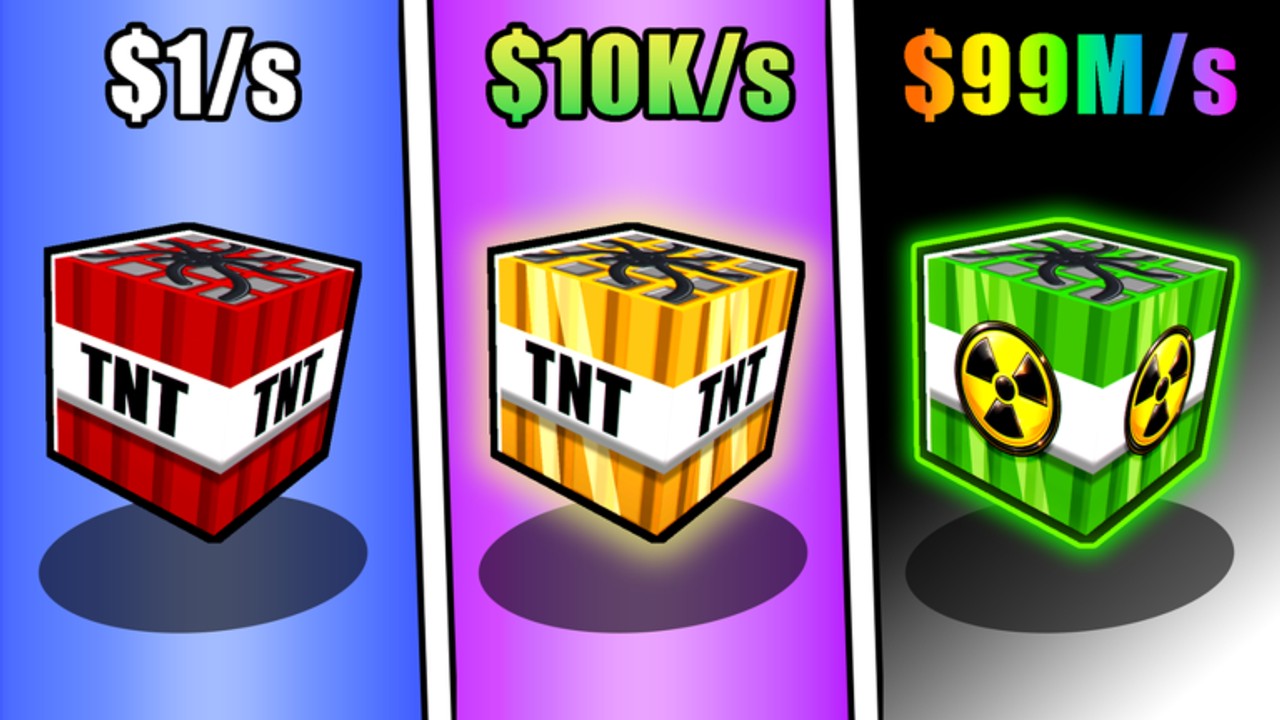
The Tools Hub collects player utility pages for +1 TNT Mining by Slap Core Games. Guides teach strategy; tier lists rank options; this section answers “how do I actually press the buttons and open the menus?” questions that slow down PC, Mobile, and Console miners alike. Start with the full Controls reference, then return here whenever a new utility page is added.
+1 TNT Mining is free-to-play on Roblox. The core loop never changes: train Damage, place TNT, ignite with flint, collect blocks, sell for Cash, purchase upgrades and stronger TNT, Rebirth for permanent multipliers, unlock deeper areas, and keep pets equipped. Tools pages exist to remove friction inside that loop so your attention stays on Damage and Cash efficiency instead of hunting HUD icons.
What belongs in Tools
Utility content is narrow and actionable:
- Platform controls and input maps
- HUD explanations for Teleport, Sell, Shop, Training, and Rebirth menus
- Quick reference checklists you can glance at mid-session
- Device-specific tips that prevent missed flint ignitions or failed sells
If a topic needs a long narrative walkthrough, it belongs in Guides. If it ranks TNT or pets, it belongs in Tier List. If it explains progression philosophy, see Players. Tools should stay scannable.
Featured utility: Controls
The Controls guide covers:
- PC movement, jump, interact, hotbar equip, and click-to-use tools
- Mobile thumbstick and tap patterns for place, ignite, and menu taps
- Console stick and button equivalents for the same loop
- HUD tips for Teleport, Sell, Shop, Training, and Rebirth
- How controls support carry, placement, speed, range, and luck upgrade testing
Read it once on your main device, then skim the other platforms if you switch between phone and desktop. Slap Core Games advertises full PC, Mobile, and Console support—the winners are often the players who never fumble flint mid-combo.
How tools speed up the real loop
Training: Knowing exactly how to equip TNT and click (or how to walk onto Dirt, Stone, Cactus, Silver, Gold, and Ruby spots) prevents dead seconds. Pets still need to be equipped through their menu; controls fluency makes that swap automatic.
Mining: Placement and flint ignition are two-tool dances. If hotbar switching is slow on your device, you lose explosion uptime. The controls page shows the intended equip and use flow.
Selling and shopping: Sell converts blocks to Cash; Shop spends Cash on TNT and upgrades. Mis-opening menus costs more than you think across a one-hour grind. Teleport options (when available in the HUD) exist to cut travel between Training, mine, and Sell.
Rebirth: The Rebirth menu is where you trade Damage and level for permanent multipliers. Accidental hesitancy is fine; accidental ignorance of where the button lives is not. Open it on purpose when Players Hub timing advice says the multipliers matter.
Suggested toolkit for every session
- Open Controls if you swapped devices since last login.
- Redeem anything new on Codes.
- Equip your best pet (Pets Guide).
- Train in the highest unlocked zone.
- Mine → flint → collect → Sell using clean inputs.
- Spend on the bottleneck upgrade (carry, placement, speed, range, or luck).
- Check Updates if Shop or Training looks different than you remember.
How this hub links to the rest of the wiki
- Wiki Hub — full systems overview
- Guides Hub / Getting Started
- Players Hub / Pets
- Tier List Hub / pets tier list
- Updates Hub
- Codes Hub
- Scripts Hub
Future utility pages
As the wiki grows, Tools may add calculators, checklist pages, or device FAQs. Each new page should earn its slot by saving time inside the Slap Core Games loop—not by duplicating guide prose. If you only open one Tools link today, make it Controls and practice a clean place-and-ignite sequence until it is muscle memory.
Friction is the hidden tax of incremental games. Every second spent searching for Sell or fumbling flint is a second not spent in Ruby training or a deep-area blast. Use this hub to delete that tax, then spend the recovered time on Rebirth planning and pet upgrades that actually move Cash per hour.
Frequently Asked Questions
Quick answers to the most common questions.
What is the Tools Hub for?
It collects utility references—especially controls and HUD menu tips—so you execute the TNT mining loop faster on PC, Mobile, and Console.
Which Tools page should I read first?
Start with the Controls guide for your device, then return here when more utility pages are published.
Do Tools pages replace Guides?
No. Tools are quick references. Strategy walkthroughs stay in Guides; rankings stay in Tier List; progression mindset stays in Players.
Does +1 TNT Mining support console controls?
Yes. Slap Core Games lists full PC, Mobile, and Console support. See the Controls page for input patterns on each platform.