TNT Mining Updates & Patch Notes
Live snapshot and honest tracking tips for Slap Core Games patches — no invented changelogs.
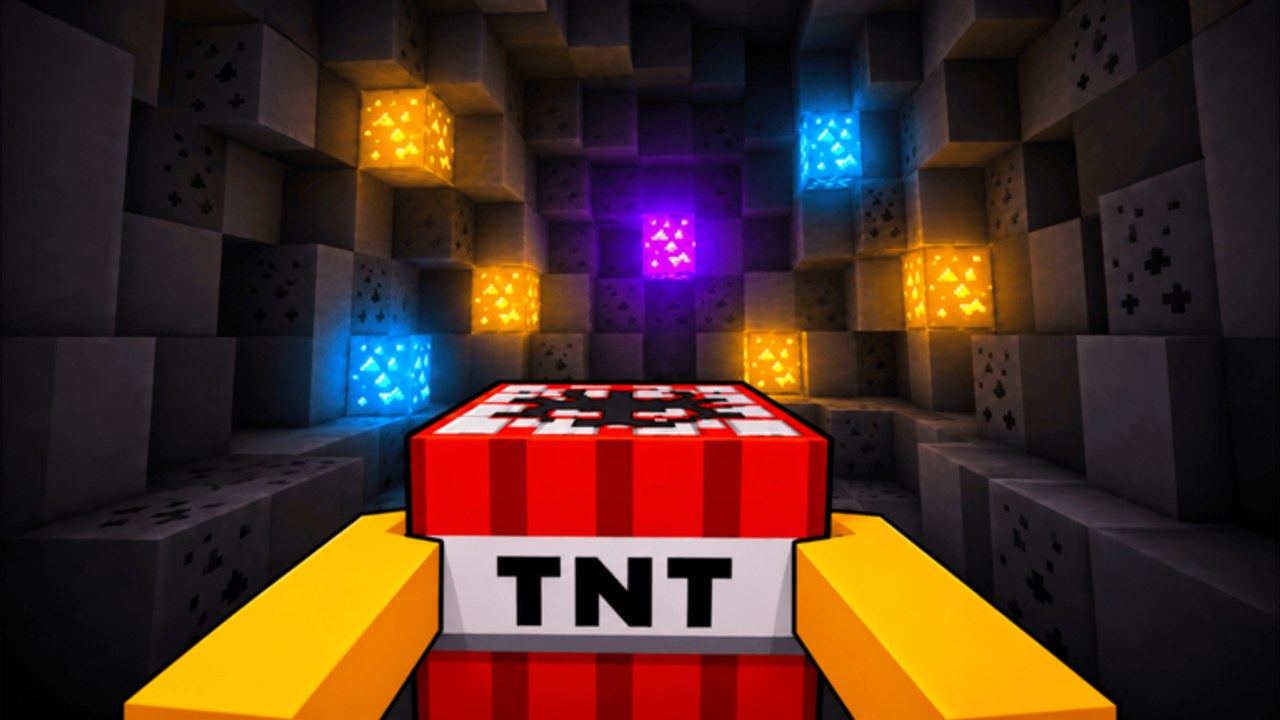
+1 TNT Mining is a free-to-play Roblox incremental mining simulator from Slap Core Games. The experience was created on 2026-06-29 and remains actively patched. As of mid-September 2026, public Roblox stats for the place sit around ~3.57M visits, ~11.5k playing at peak check-ins, and ~134k favorites, with the last notable Roblox update timestamp near 2026-09-14. Those figures move every day — treat them as a popularity snapshot, not a promise that a specific feature shipped on that date.
This Updates Hub explains how to track real changes, what systems usually move when Slap Core Games patches, and how to adjust training, Rebirth, and spending. It does not invent detailed patch notes. If a child changelog page is not listed yet, verify in-game and on official Roblox channels first. Pair this hub with the Wiki Hub, Guides Hub, and Players Hub.
Live snapshot (honest, approximate)
| Fact | Value |
|---|---|
| Creator | Slap Core Games |
| Created | 2026-06-29 |
| Last Roblox update (approx.) | ~2026-09-14 |
| Visits (approx.) | ~3.57M |
| Playing (approx. concurrent) | ~11.5k |
| Favorites (approx.) | ~134k |
| Place | +1 TNT Mining on Roblox |
Visit and playing counts fluctuate. Favorites grow when players like/favorite the experience — useful social proof, still not a written changelog.
How to track patches officially (no fanfiction)
Roblox experiences often ship without long in-client patch essays. Use this checklist whenever something feels different:
- Roblox game page — Open the official place link above. Read the description for feature callouts, code teases, and “like and favorite for more updates” prompts. Check the update timestamp and refreshed thumbnails.
- Slap Core Games group — Follow the creator community linked from the game page (Slap Core Games). Group shouts and wall posts often mention events or maintenance before wikis catch every detail.
- In-game menus — After joining, scan Shop TNT listings, Training spots, Rebirth, Upgrades, Pets, and area walls for new entries, renamed items, or price shifts. A new TNT tier or training zone is sometimes the first hard signal.
- This wiki — When major patches land, we revise Guides, Tier List, Codes, and child Updates pages. Until a named patch page exists, treat this hub as the process guide — not a fabricated bullet list of every balance tweak.
Bookmark the game page and group. Liking and favoriting the experience helps the title surface socially and signals you want more content, but favorites alone are not patch notes.
What typically changes (category guide)
Knowing the categories helps you triage impact in under a minute without waiting for a perfect written log.
New TNT tiers and shop prices
Fresh sticks raise baseline explosion Damage and reshuffle buy order. Compare new TNT against trained Damage and placement capacity. Sometimes buy immediately; sometimes carry, placement, speed, range, or luck still produce more Cash per minute. Recheck the TNT Blocks tier list after shop additions.
New or adjusted areas
Deeper areas mean rarer blocks and higher sell value, gated by Cash at the black wall. Area unlocks are a main reason to Rebirth for Cash multipliers. If a patch adds an area, recompute whether your Rebirth count and Cash reserve can open it — see Unlock Areas.
Training zone access and tuning
Training climbs Dirt → Stone → Cactus → Silver → Gold → Ruby as Rebirths unlock better spots. Patches may change unlock thresholds or multipliers. Confirm you stand on the best available zone after an update (How to Train).
Upgrade balancing
Carry capacity, TNT placement limit, movement speed, collection range, and Area Mine Luck can all shift in value. After an economy tweak, run one controlled mine → flint → collect → Sell loop and note bottlenecks (Upgrades, Make Money).
Pets and hatching
Pets multiply training for clicks and AFK. New pets or egg rates can move the pets tier list. Reread the Pets Guide when pet content ships.
QoL, HUD, and platform fixes
PC, Mobile, and Console support means menu, Teleport, Sell, Shop, Training, or Rebirth UI fixes are common. If a control breaks, check Controls and recent chatter before blaming your device.
Codes and engagement rewards
Update waves sometimes ship promo codes or milestone gifts. Visit the Codes Hub when the description or group mentions a string — and keep claiming Daily / Group / Index style rewards even when dedicated code lists stay thin.
Post-patch adaptation checklist
- Redeem new codes if any exist.
- Equip your best pet and confirm training zone access.
- Skim Shop for new TNT and price changes.
- Test one full blast loop in your deepest owned area.
- Decide whether Rebirth thresholds still match your area goals.
- Refresh priority order: training, carry/placement, speed/range/luck, TNT tier, pets, area unlock.
- Cross-check Tier List and the Noob to Pro roadmap once the meta settles.
Do not panic-spend on day-one rumors. Verify in-game numbers, then commit Cash.
Why the created date and activity matter
Players searching guides want to know whether the experience is abandoned. The 2026-06-29 created date plus continued Roblox update activity through ~2026-09-14, alongside multi-million visits and healthy concurrent players, mark an active Slap Core Games title. The loop stays stable — train, place TNT, flint, collect, sell, upgrade, Rebirth, unlock areas, pets — while values inside that loop move.
When you share advice, mention the patch window. “Buy this TNT” without a date confuses readers after a shop refresh. “As of the latest Slap Core Games push, prioritize best Training spots plus carry/placement” ages more honestly.
Related reading
- Getting Started — day-one loop
- Noob to Pro — staged progression
- Make Money — Cash after economy tweaks
- Wiki Hub, Tools, Scripts — systems, controls, safety context
This hub will grow child pages for major named updates when verified details exist. Until then, official Roblox channels are the source of truth; this page is the adaptation framework so your Damage, pets, and upgrade plan can absorb the next TNT, area, or balance change without restarting from zero.
Frequently Asked Questions
Quick answers to the most common questions.
When was +1 TNT Mining created?
Slap Core Games created the Roblox experience on 2026-06-29. It has continued with active patches since launch.
How popular is the game right now?
Approximate mid-September 2026 figures are about 3.57M visits, around 11.5k playing at check-in, and about 134k favorites. Counts change daily.
Where should I read official update news?
Check the Roblox game page description and update timestamp, follow the Slap Core Games group, then verify Shop, Training, and Rebirth menus in-game. Do not trust invented patch lists.
What usually changes in patches?
New TNT tiers, areas, training zone access, upgrade balancing, pets, HUD fixes, and sometimes promo codes — confirm each change yourself.
Should I rebuild my whole loadout after every update?
No. Run one test loop, redeem codes if any, confirm pets and zones, then adjust only the bottlenecks the patch actually touched.